https://clearvyu.tistory.com/3
(1일차) 라즈베리파이4 세팅 Raspberry Pi 4 Setting
필요한 주요 세팅1. 라즈베리파이 4에 OS 탑재 (Raspbian)2. 모니터 연결 (HDMI)3. 한글 설정 (optional)참고한 사이트들 - OS 설치1. https://cutejindodog.tistory.com/3 라즈베리파이 4에 라즈비안 (Raspbian) OS 설치하
clearvyu.tistory.com
1일차에 이어 Raspbian(Debian) -> Ubuntu OS로의 마이그레이션을 원했습니다
https://askubuntu.com/questions/1330415/how-can-i-run-ubuntu-20-04-on-32-bit-devices
How can I run Ubuntu 20.04 on 32-bit devices?
It is our understanding that 20.04 only exists in a 64-bit version. However, I just heard that, after some discussion within the Ubuntu community, a 32-bit version was being considered. I have at l...
askubuntu.com

라즈베리파이 RAM이 2GB이기에
ubuntu 32bit os 적재하려고 시도하다가 18.04 version으로 설치를 해야하는 점 때문에
보다 최신 버전을 설치하고 싶어서 2Gb+ 를 지원하는 22.04.5 LTS (64-bit)를 설치하였습니다
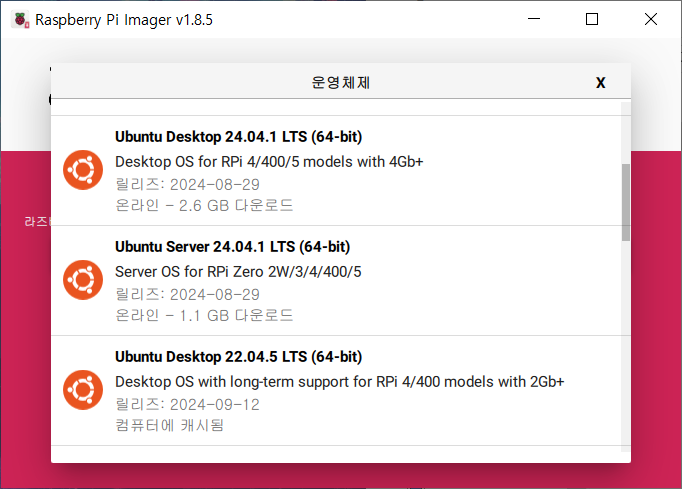
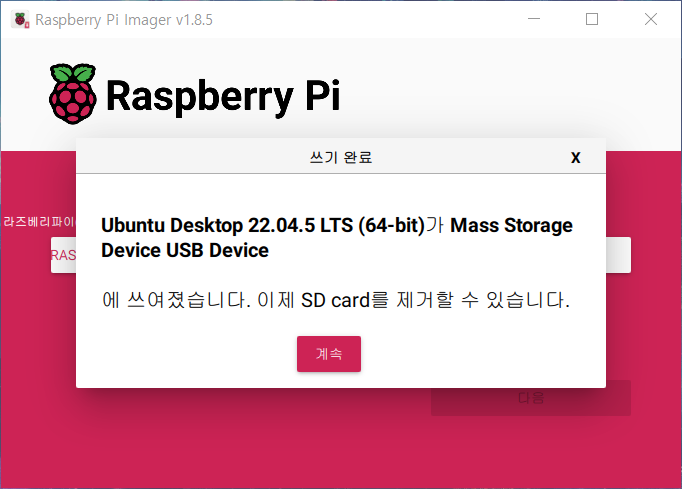
추가 참고
https://www.raspberrypi.com/software/operating-systems/
Operating system images – Raspberry Pi
From industries large and small, to the kitchen table tinkerer, to the classroom coder, we make computing accessible and affordable for everybody.
www.raspberrypi.com

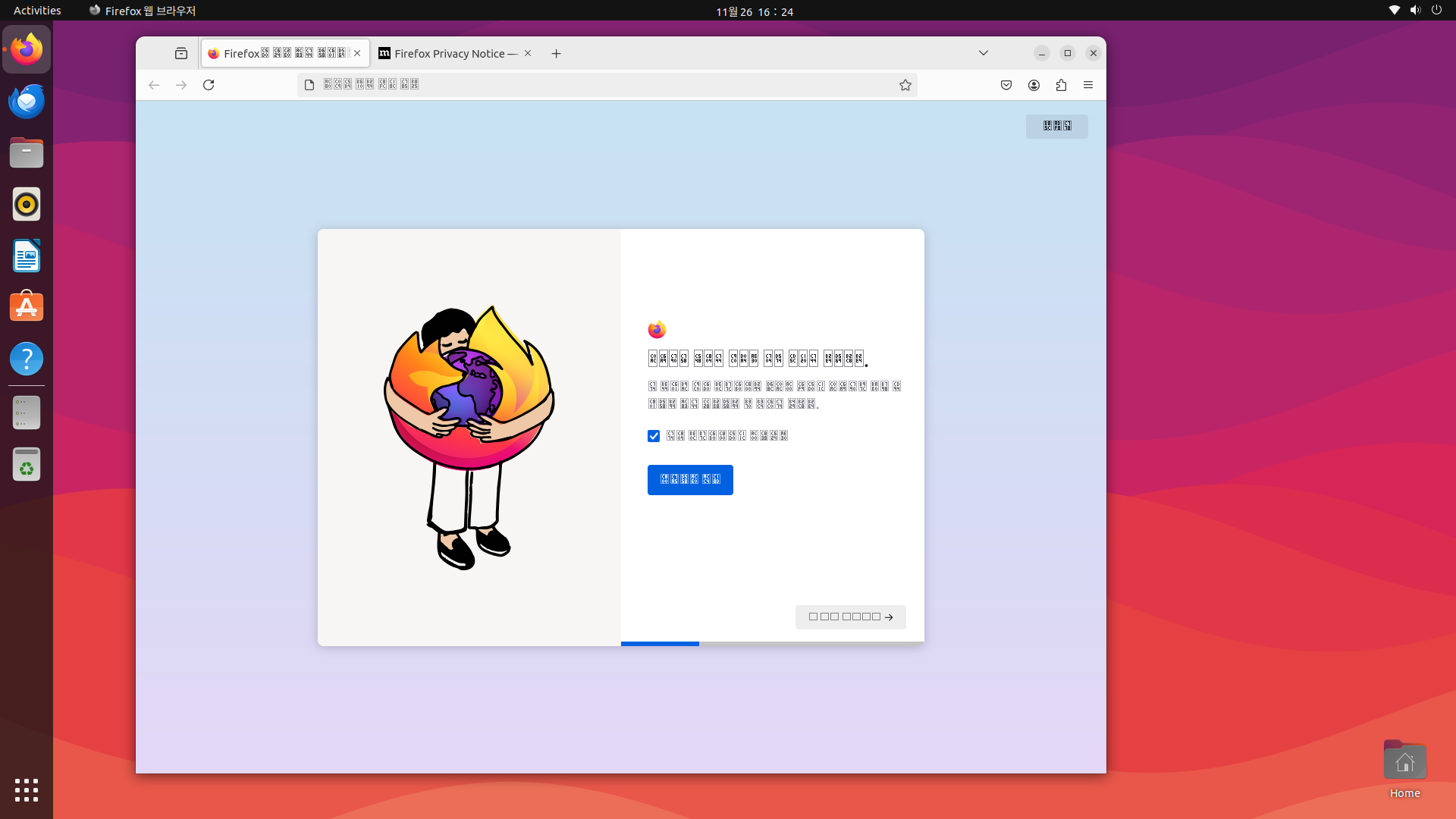
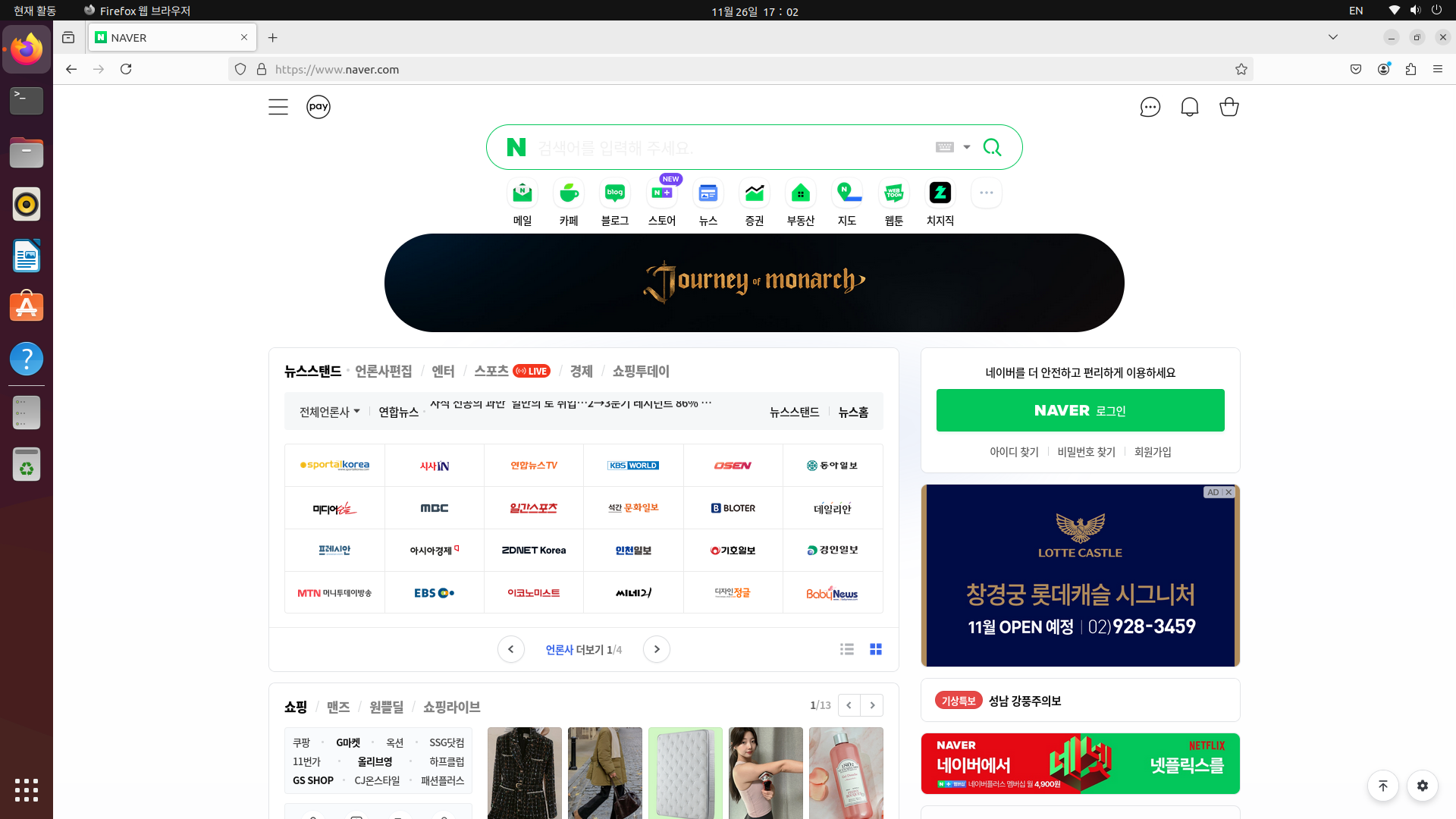
정상적으로 부팅이 됐지만 한글이 깨져 보이기에 조치가 필요했습니다
https://brainbackdoor.tistory.com/13
[Linux][Command]Package Update 및 한글 설정 (Ubuntu)
Package Update $ sudo apt-get update // apt를 업데이트 $ sudo apt-get upgrade // 내가 설치한 프로그램들을 최신버전으로 업그레이드 한글 설정 (Ubuntu) $ sudo apt-get install language-pack-ko // 한글 패치 $ sudo locale-gen k
brainbackdoor.tistory.com
sudo apt-get update
sudo apt-get upgrade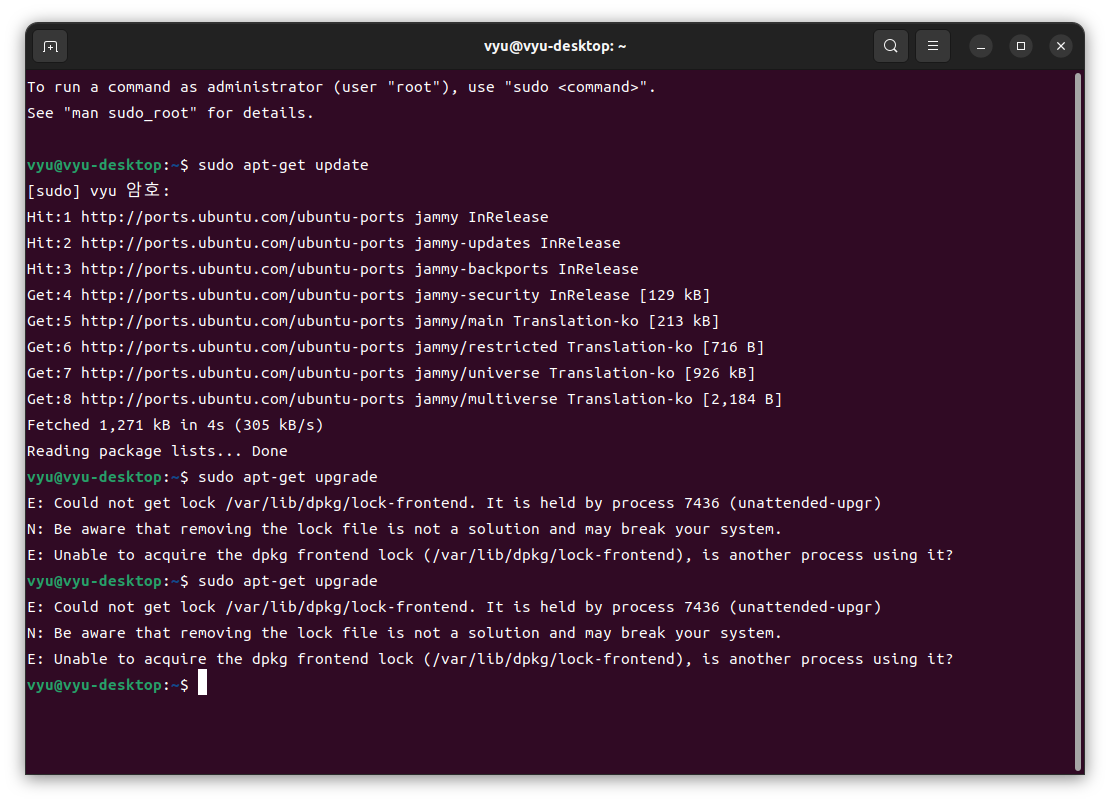
https://jenakim47.tistory.com/65#google_vignette
[Ubuntu] Could not get lock /var/lib/dpkg/lock-frontend 에러 해결
E: Could not get lock /var/lib/dpkg/lock-frontend - open (11: Resource temporarily unavailable) E: Unable to acquire the dpkg frontend lock (/var/lib/dpkg/lock-frontend), is another process using it? 패키지를 설치하려고 했으나 위와 같은 에
jenakim47.tistory.com
sudo killall apt apt-get

sudo rm /var/lib/apt/lists/lock
sudo rm /var/cache/apt/archives/lock
sudo rm /var/lib/dpkg/lock*

sudo dpkg --configure -a
sudo apt-get update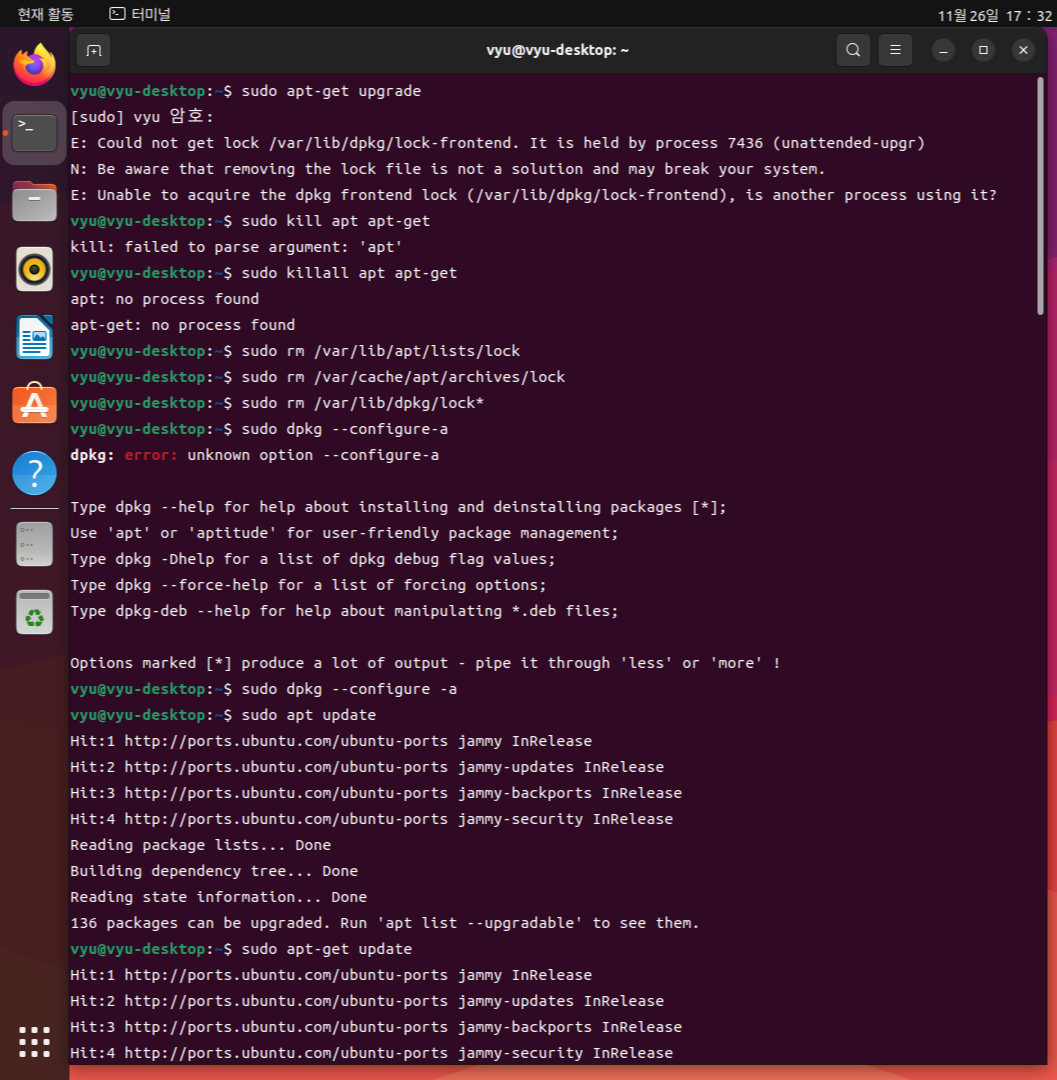
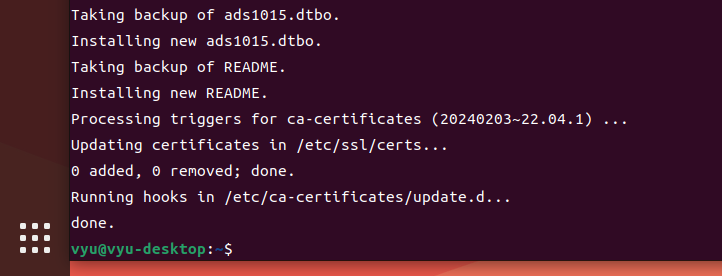
라즈베리 파이에 아두이노 IDE 설치 참고
https://makeit402.blogspot.com/2017/08/How-to-install-arduino-IDE-on-raspberry-pi.html
라즈베리파이에 아두이노 IDE 설치하기 ( How to install arduino IDE on raspberry pi.) ~ Make IT Forum
20년 후 당신은, 했던 일보다 하지 않았던 일로 인해 더 실망할 것이다. 그러므로 돛줄을 던져라. 안전한 항구를 떠나 항해하라. 당신의 돛에 무역풍을 가득 담아라. 탐험하라. 꿈꾸라. 발견하라.
makeit402.blogspot.com
https://m.blog.naver.com/3demp/221399859161
라즈베리파이 아두이노 연동
이번 포스팅에서는 라즈베리파이와 아두이노를 연동해서 사용하는 법에 대해 알아 보겠습니다. 사진출처:&n...
blog.naver.com
sudo apt-get install arduino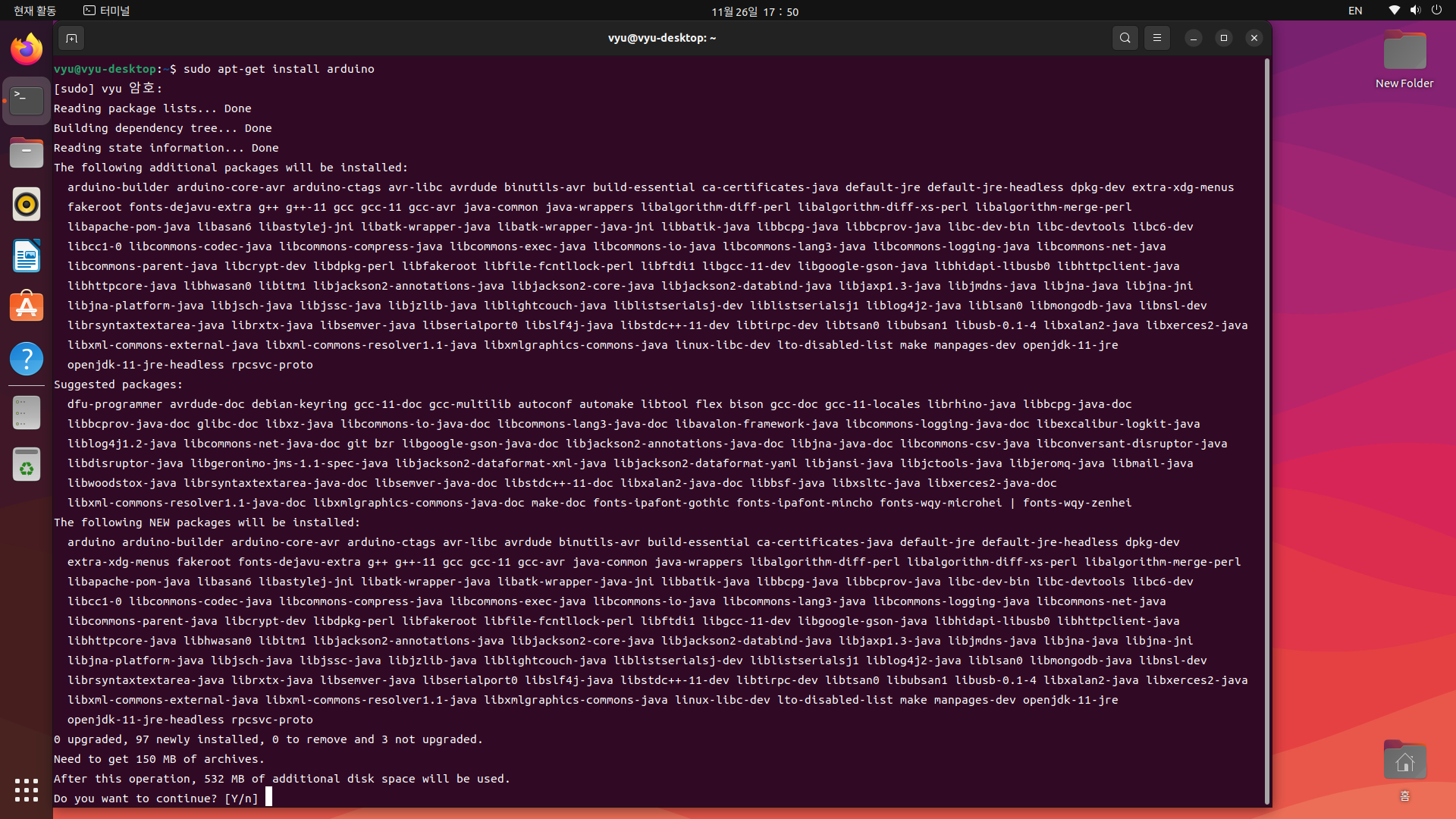
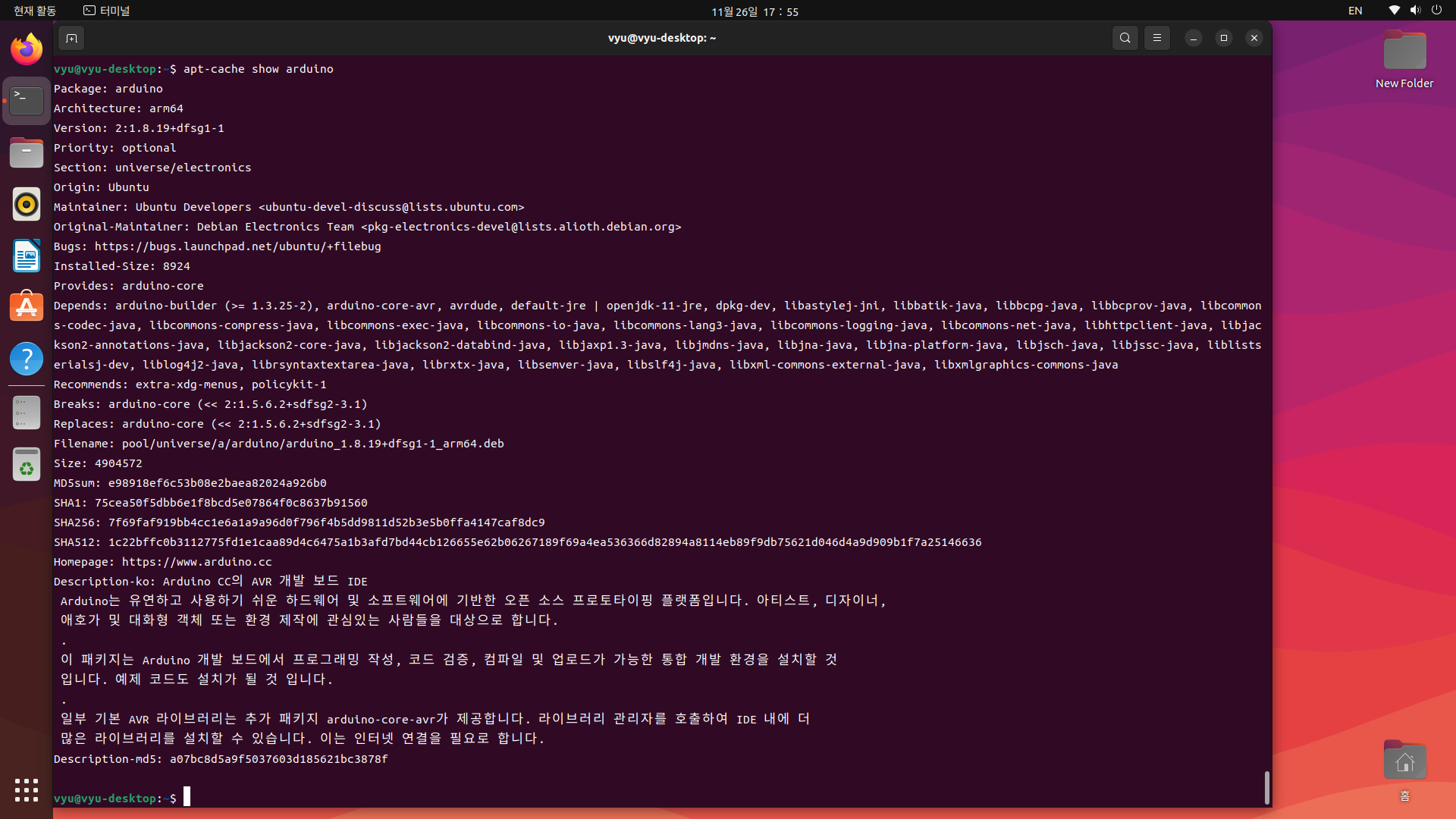
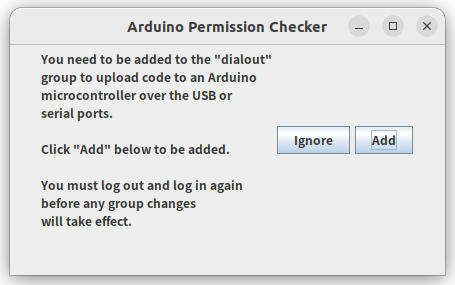
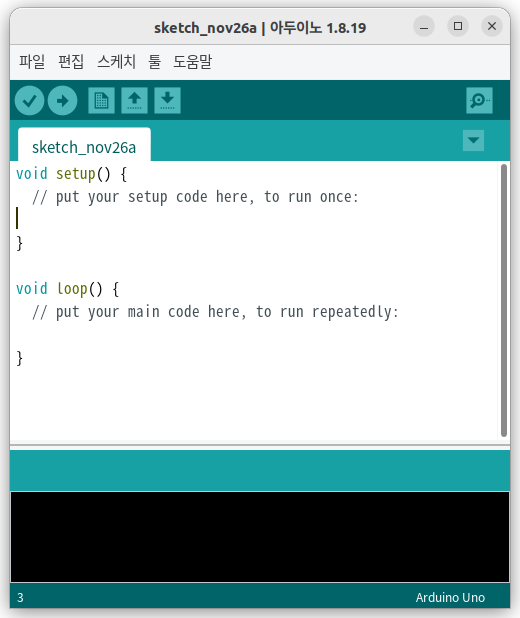
아두이노 구동 환경 세팅 완료
apt vs apt-get 참고
https://ksbgenius.github.io/linux/2021/01/13/apt-apt-get-difference.html
[Linux] apt와 apt-get 차이점
데비안 계열(Ubuntu, Mint 등)에서 사용하는 apt와 apt-get의 차이점
ksbgenius.github.io
한글 입력 참고
https://freeablelab.tistory.com/138
[Ubuntu 20.04] 우분투 한글입력 방법 (한글키 호환)
Ubuntu 환경에서 한글 입력하는 방법을 공유합니다. 제 환경은 Ubuntu 20.04 환경입니다. 아래 환경을 기준으로 하며, 다른 입력기에서는 한영키 호환 방법을 응용해보시기 바랍니다. OS: Ubuntu 20.04 입
freeablelab.tistory.com
https://blog.naver.com/sw4r/222751868443
우분투(Ubuntu) 리눅스(Linux) 시스템 정보 :: 한영키로 한영 변환하는 방법! :: 키보드 단축키 변경
리눅스에서는 한영키로 바로 한글과 영어가 변환이 되지 않는다. 그래서 shift + space를 하거나, 다른 단...
blog.naver.com
화면 잠금 참고
https://greensul.tistory.com/139
[ubuntu] 우분투 화면 잠금 기능 끄기
Ubuntu 화면 잠금 끄기 TIP ubuntu 사용 중 5분마다 계속적인 화면 잠금이 되어 해당 옵션을 해제하는 방법에 대해 알아 보겠습니다. 바탕화면에서 마우스 우클릭을 합니다. 메뉴에서 Settings 를 클릭
greensul.tistory.com
'Embedded > Setting' 카테고리의 다른 글
| (1일차) 라즈베리파이4 세팅 Raspberry Pi 4 Setting (12) | 2024.11.26 |
|---|